
Every setup has four parts
- What it does
- What you need
- A setup prompt you save once
- The short prompt you reuse
Where to save it
Most assistants let you save instructions: Projects in ChatGPT and Claude, Gems in Gemini. Put the long setup there once. Each week you only type something like "Here's October's menu."
Six setups in the pack
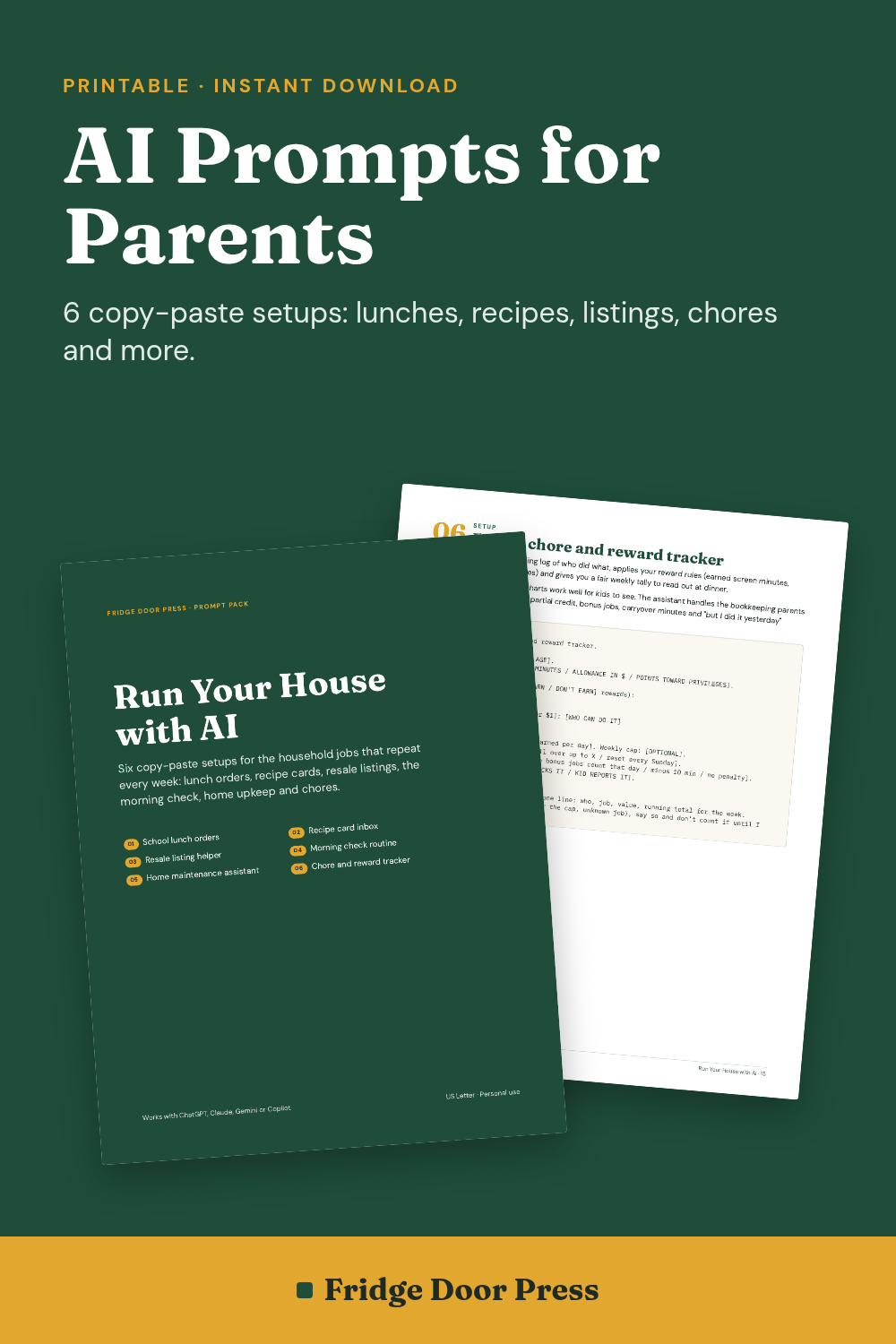
- School lunch orders: upload the menu, get a buy-or-pack plan per kid plus a draft order email you check and send.
- Recipe card inbox: photo of a handwritten card in, typed card out, original wording kept, hard-to-read words marked [UNCLEAR].
- Resale listing helper: photos in, an eBay title of 80 characters or fewer and honest condition notes out.
- Morning check routine: an 8-line breakfast briefing.
- Home maintenance assistant: a 12-month schedule with clear "call a licensed pro" rules.
- Family chore and reward tracker: a weekly tally to read at dinner.
Try one free
The free 3-page sample has the complete recipe card setup plus a standalone weekly chore tally prompt.
FAQ
What is in the free sample?
The complete Recipe Card Inbox setup and a weekly chore tally prompt, 3 pages.
Do the setups need a paid AI plan?
No. They work with free tiers. Two setups need an assistant that accepts photo uploads.
Is this affiliated with OpenAI or Google?
No. Not affiliated with OpenAI, Anthropic, Google, Microsoft, eBay or Meta.
Want the rest worked out for you?